User Profiles
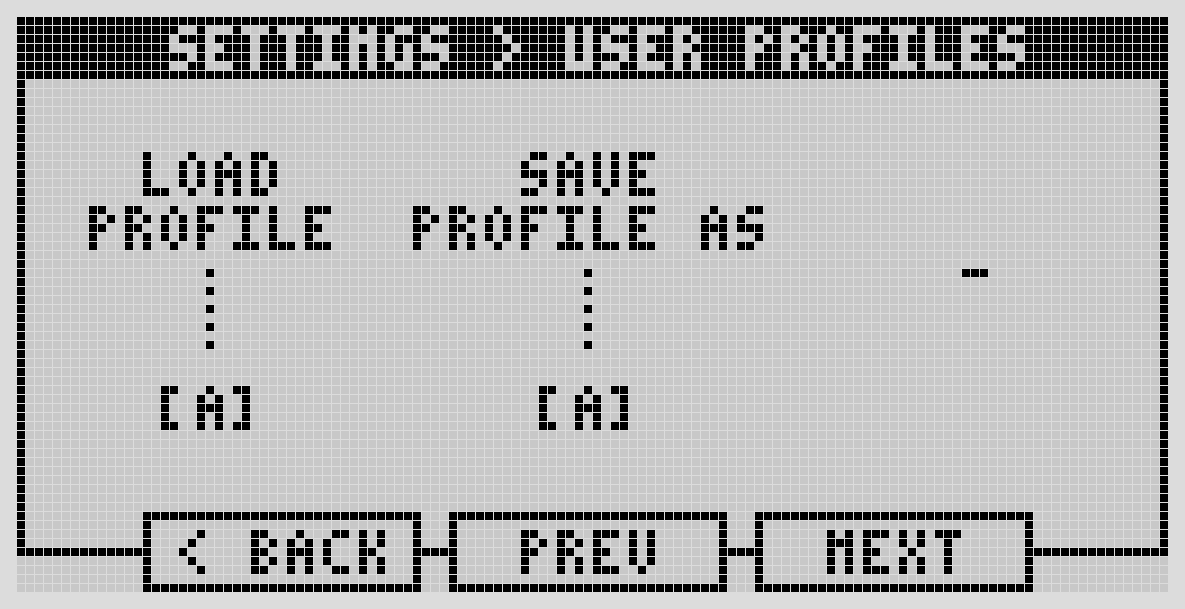
User Profiles let you save and swap between whole sets of device settings — handy if you use the same Dwarf in different contexts (say, guitar and mic in the studio one day, synth on stage the next) and don't want to re-dial everything by hand each time.
A profile stores: Audio Inputs, Audio Outputs, Headphone Volume, Sync settings, and MIDI settings. You get four profile slots.
Switching profiles
Turn the left-most encoder to cycle through the four profiles, click it to load the one you land on.
Saving a profile
- Change the settings you want saved (Audio, Sync, MIDI, etc.) in their respective menus first.
- Go to User Profiles.
- Turn the center encoder to pick which of the four slots to overwrite.
- Click the center encoder to confirm.
Next: Updating & Maintaining