Device Concepts & Modes
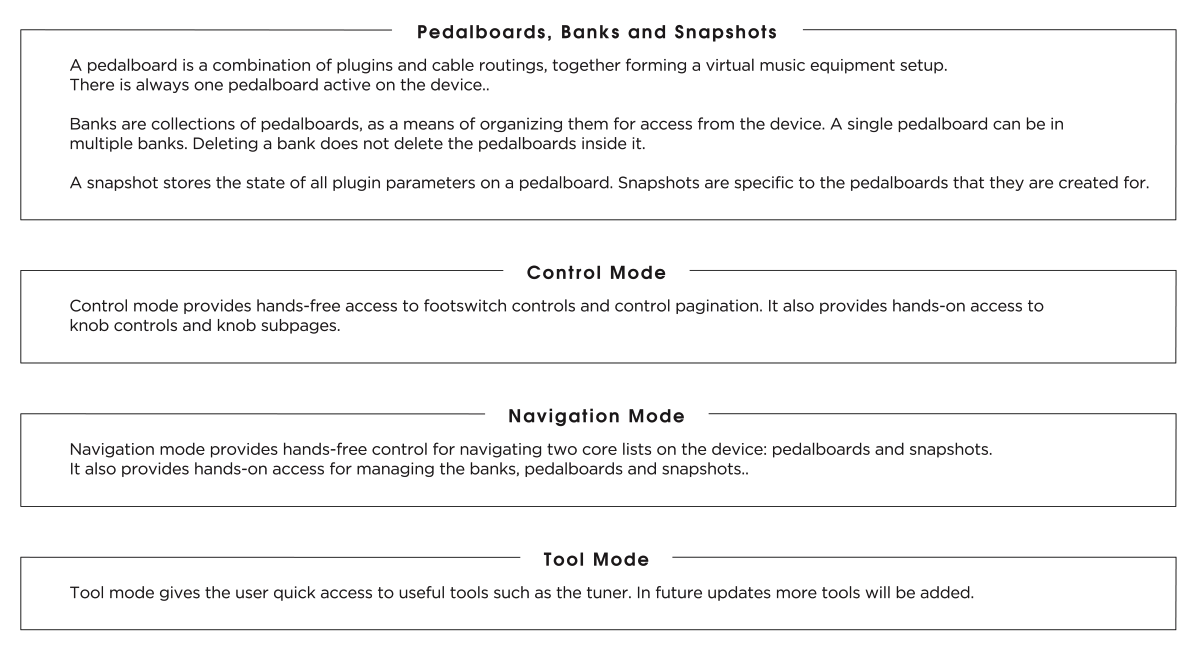
The Dwarf has three modes, each suited to a different part of using the device.
- Control Mode — the default mode. Play and tweak pre-mapped parameters from your loaded pedalboard using the encoders and footswitches.
- Navigation Mode — browse and load pedalboards, snapshots, and banks.
- Tool Mode — access the built-in tuner and tempo tools.
You move between them with footswitch combinations rather than a menu, so switching stays fast during a performance — see Controls Overview for exactly which combination does what.
Control Mode
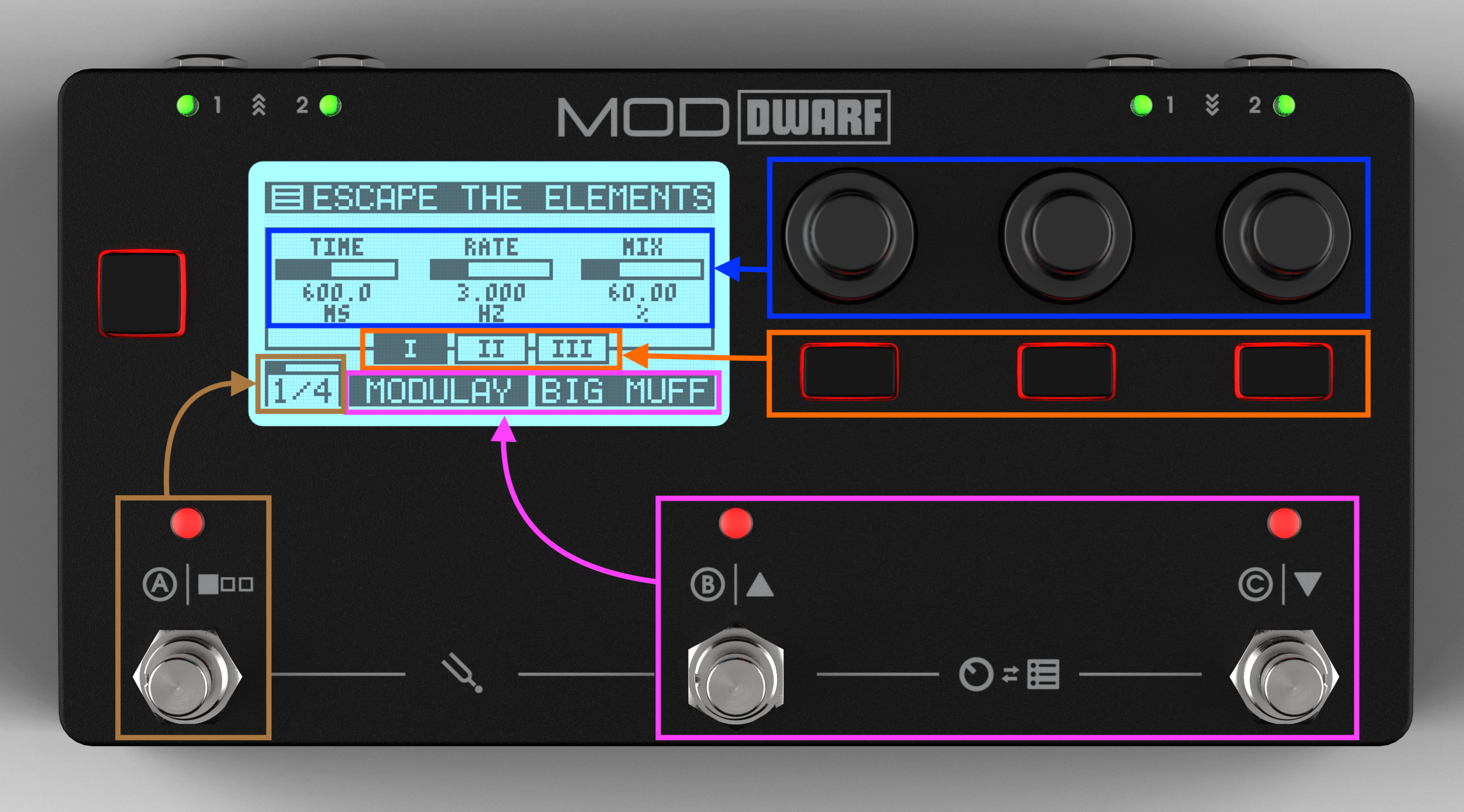
Control Mode is what you see on boot. The display header shows the current pedalboard or snapshot name (you choose which in Settings); below it, the parameters currently mapped to the three encoders for the active page and sub-page.
The Dwarf supports 8 assignment pages, each with 3 encoder sub-pages — so the three encoders can hold up to 24 parameters each, and the two assignable footswitches up to 8 each. Footswitch A cycles between the 8 pages (press to go forward, long-press to go back); the three push buttons under the encoders switch sub-pages.
Navigation Mode
Covered in full on Navigation Mode. Note you can only enter Navigation Mode if the Web UI isn't currently open on the device.
Tool Mode
Covered in full on Tool Mode — Tuner & Tempo.
Next: Controls Overview