Accessing the Web UI
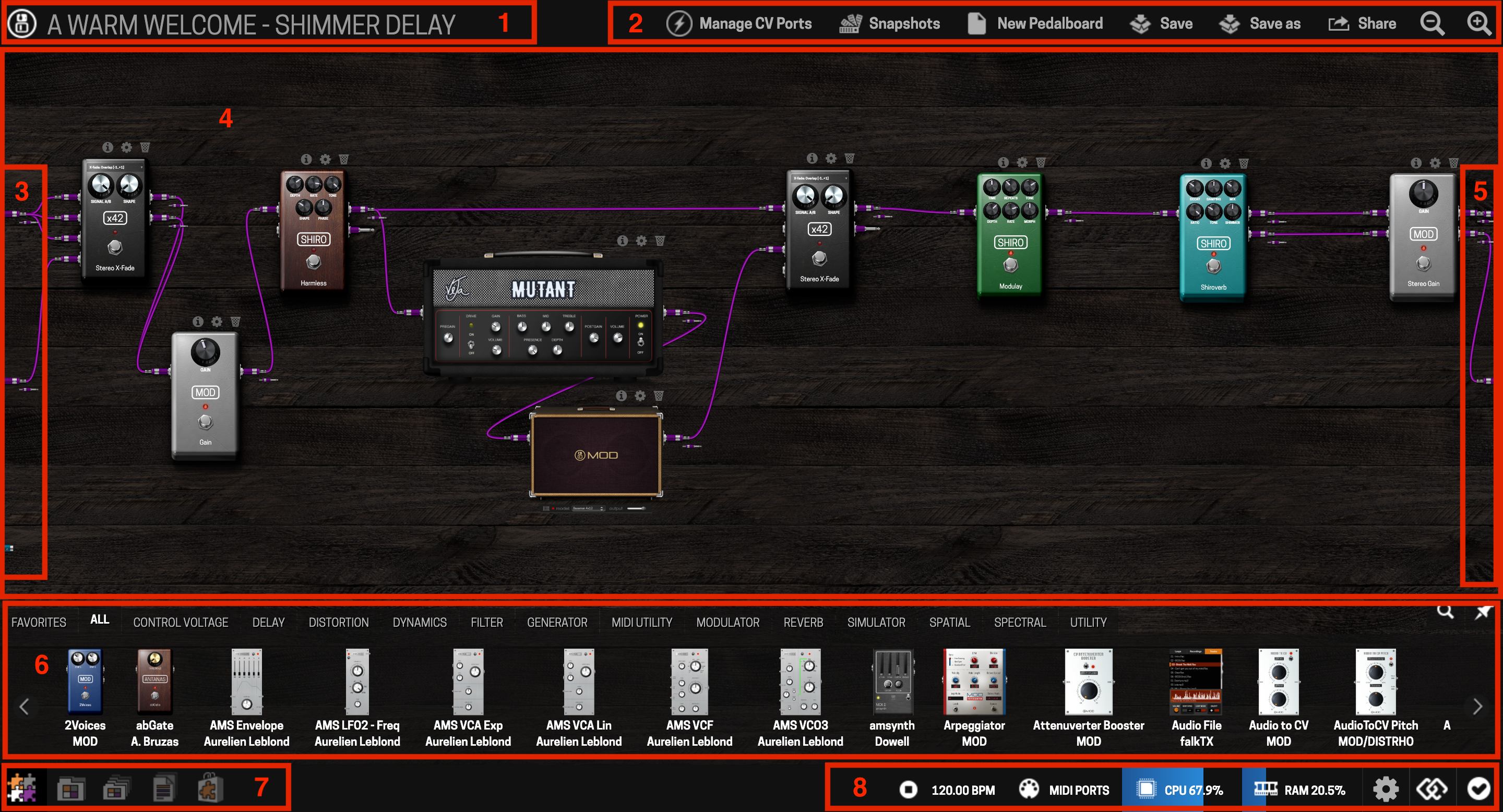
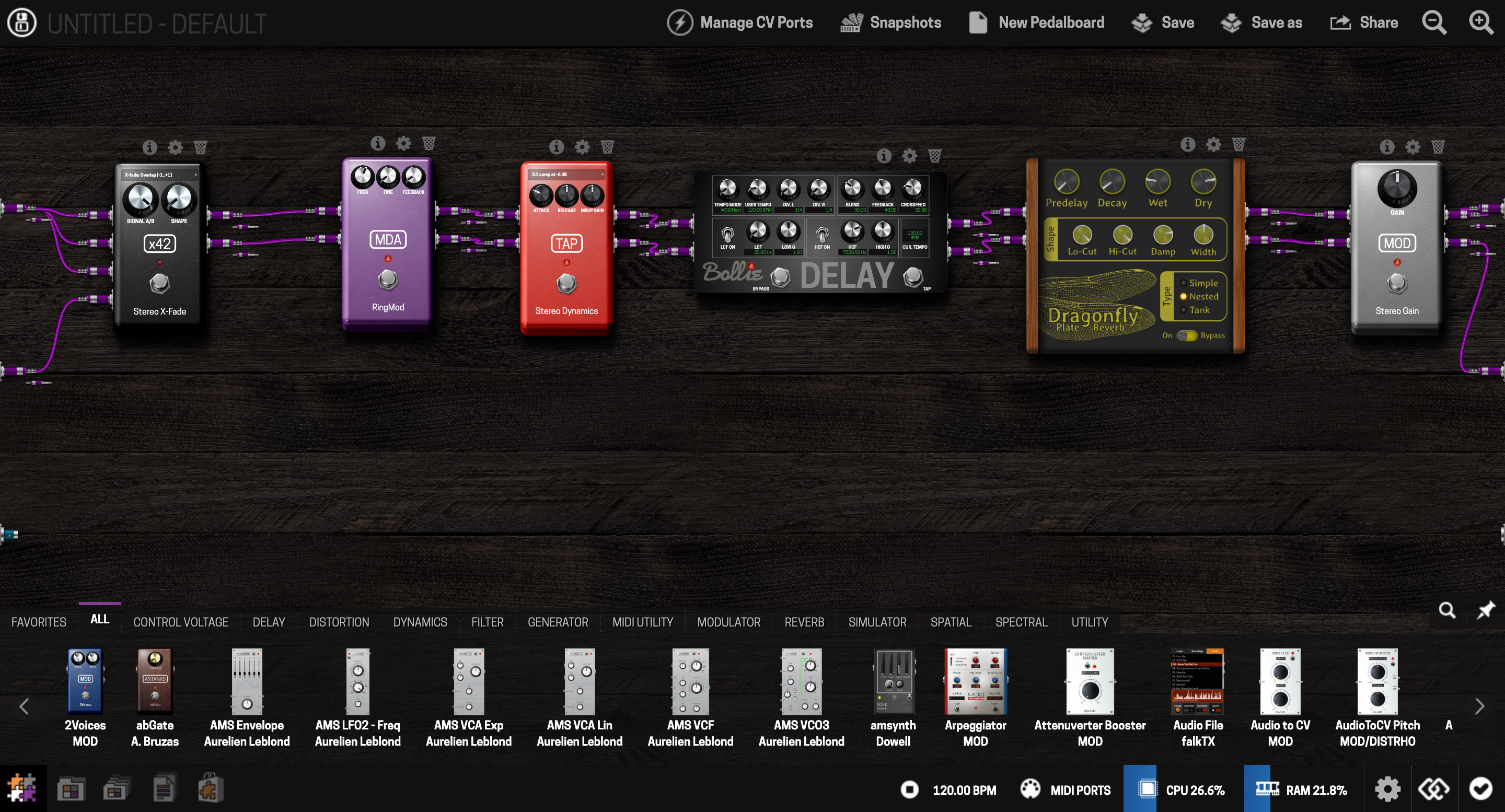
The Web UI is where you build and edit pedalboards. It's a browser-based interface served by the Dwarf itself — nothing to install.
Via USB
Connect the USB cable between the Dwarf's USB-B port and your computer. Your operating system should recognize the Dwarf as a network device automatically. Open a browser and go to:
http://moddwarf.local
or, if that doesn't resolve:
http://192.168.51.1
If the connection doesn't come up automatically (this can happen on some Windows versions), see Troubleshooting.
Via Bluetooth
The Dwarf doesn't have Bluetooth built in — you'll need a Bluetooth USB dongle (version 3.0 or higher) plugged into the USB Host port. Plug the dongle in before powering on the Dwarf, enable Bluetooth discovery from the device's Settings menu, pair it with your computer or mobile device, then browse to:
http://192.168.50.1
Full pairing steps per operating system are in Bluetooth.
Next: Building a Pedalboard