Tool Mode — Tuner & Tempo
Tool Mode gives you quick access to two built-in utilities: a tuner and a tempo tool.
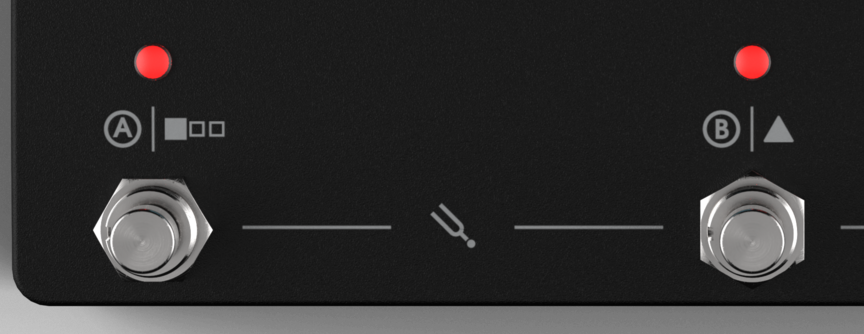
Press footswitches A and B together to enter. Press footswitch A again to swap between tools. Your default tool (which one shows up first) is set in Settings.
Tuner
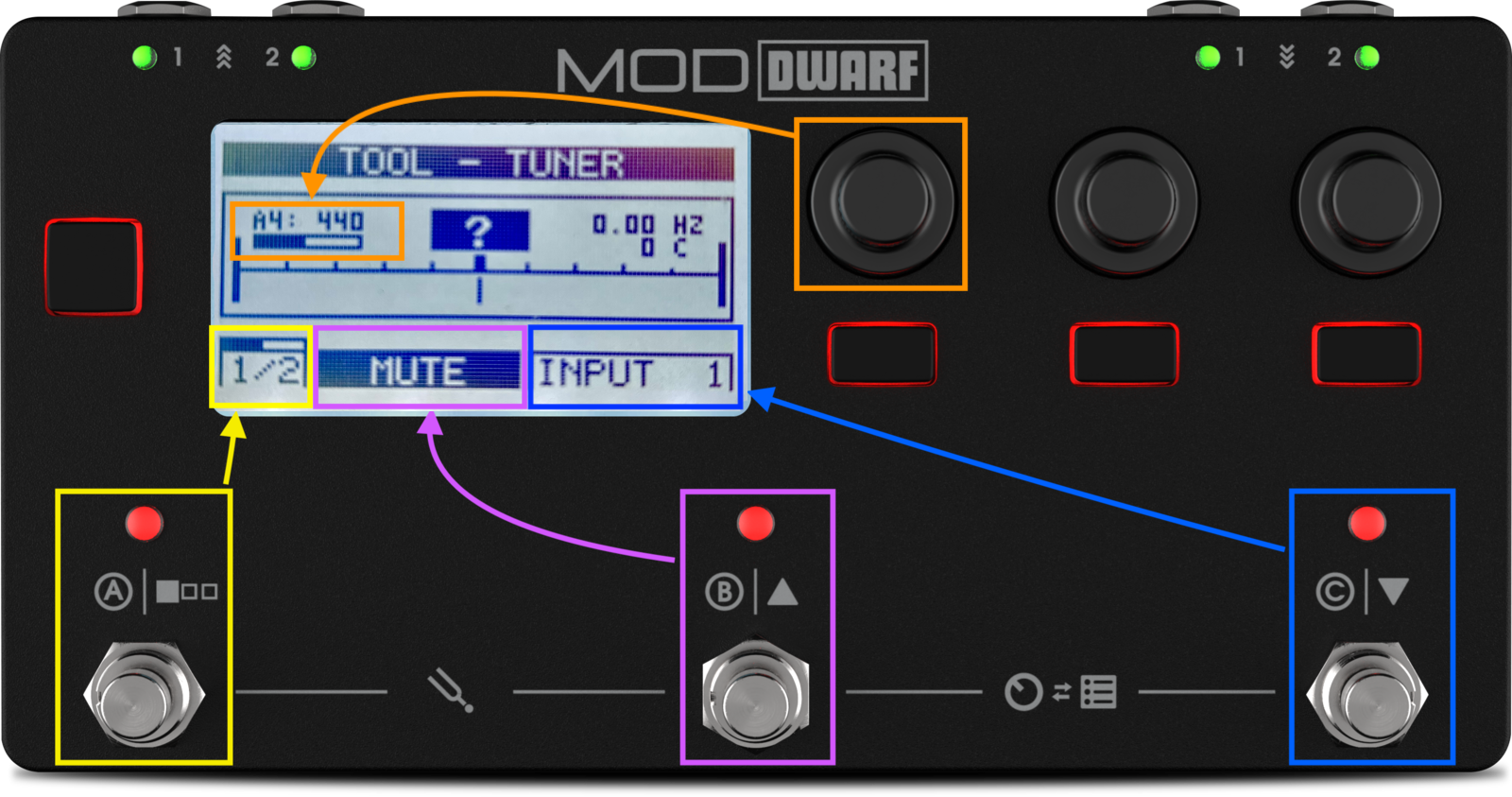
Works off either input. Push footswitch C to switch which one. Push footswitch B to toggle mute-while-tuning on or off — active mute shows as a dark button with light text.

 Turn the left-most encoder to set the reference pitch (427–453 Hz around standard A4 = 440 Hz); a non-default pitch shows with inverted colors. Both settings persist across power cycles.
If you see a question mark instead of a note, the tuner isn't getting signal — check your input selection, cable, and gain.
Tempo
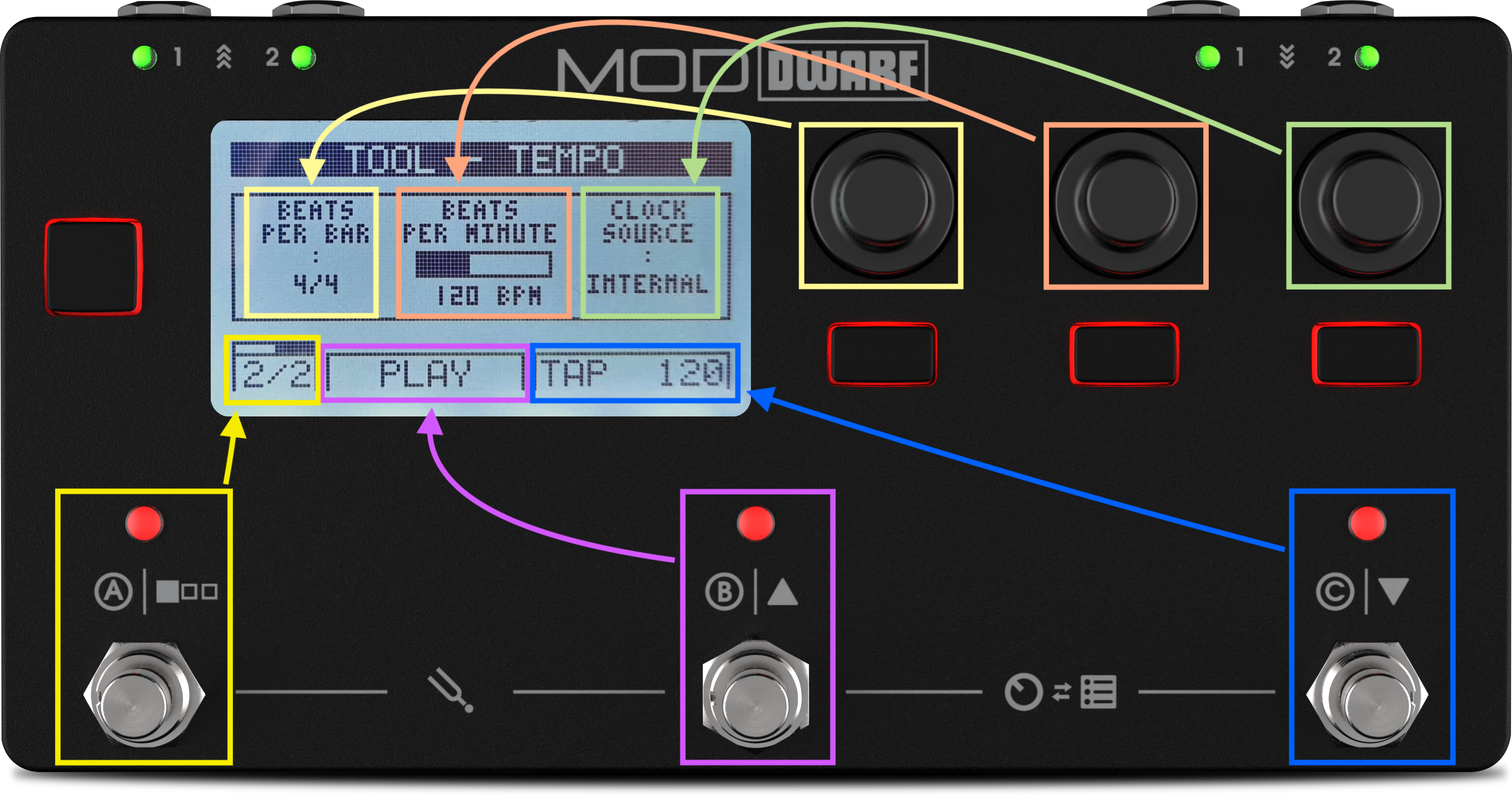
Sets the device's master tempo.
- Beats per bar — left-most encoder, 1 to 16 (denominator isn't adjustable).
- Beats per minute — center encoder, 20 to 280, or tap it in with footswitch C (tap tempo).
- Clock source — right-most encoder: Internal, MIDI, or Ableton Link. With MIDI selected, tap tempo is disabled and the display shows "synced" instead.
- Start/stop — footswitch B toggles the host transport, which drives the system clock. Light background means stopped; dark means running.
Next: LED Meters