Snapshots
A snapshot is a saved state of every parameter in your current pedalboard — a picture of your knob and switch positions at one moment. Snapshots let you jump between setups instantly, without reloading the whole pedalboard (which takes longer the heavier your plugin chain is).
Typical use: different snapshots for verse/chorus, or for different songs that share a pedalboard.
From the Web UI
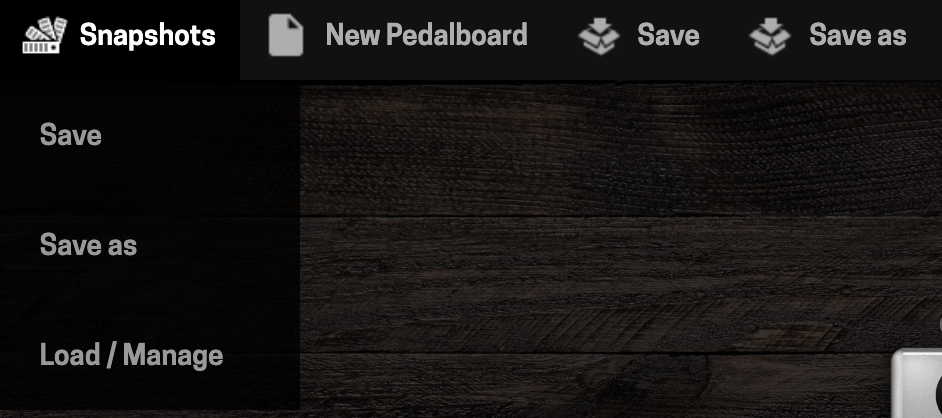
Open the Snapshots menu from the pedalboard actions bar.
- Save — updates the current snapshot with the pedalboard's current parameter state.
- Save as — creates a new snapshot under a new name.
- Load / Manage — load, rename, or delete a saved snapshot.
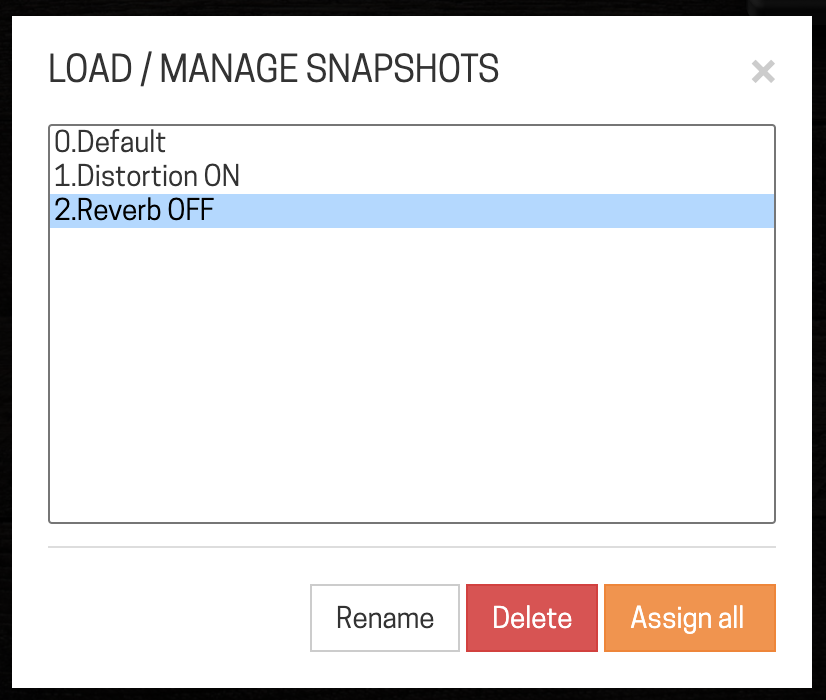
Snapshots live inside the pedalboard file, so you must save the pedalboard itself after saving or changing a snapshot, or the change won't persist.
The snapshot list can't be reordered from the Web UI — but it can from the device (see below), which matters if you're navigating snapshots with a footswitch or MIDI.
From the device
You can save, remove, and reorder snapshots directly on the Dwarf, without opening the Web UI:
- Enter Navigation Mode (footswitches B + C together).
- Switch to the Snapshots list (footswitch A).
- To save: press the left-most button ("Save"), which opens the character input screen with the current snapshot name pre-filled — keep the name to overwrite, or type a new one to create a new snapshot.
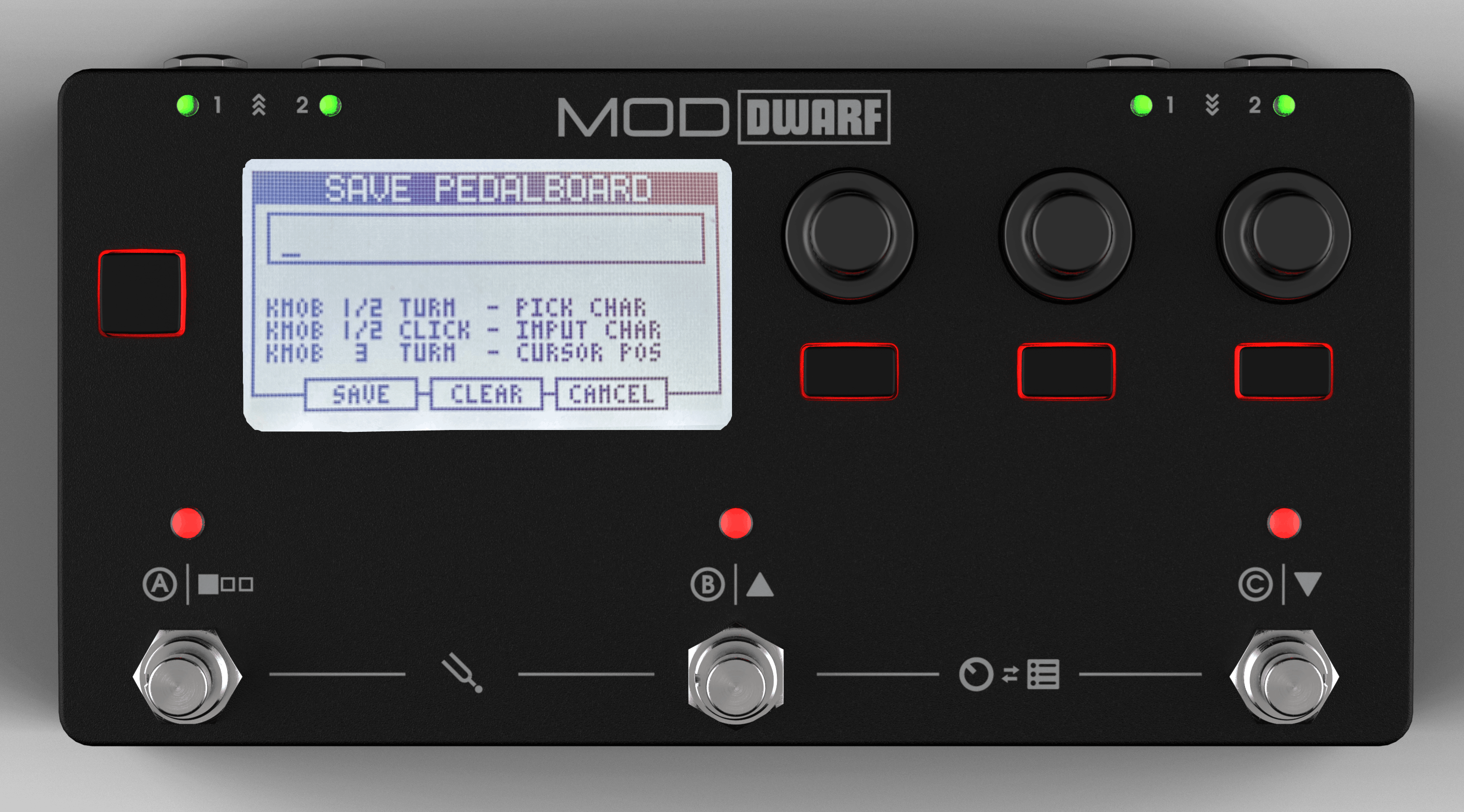
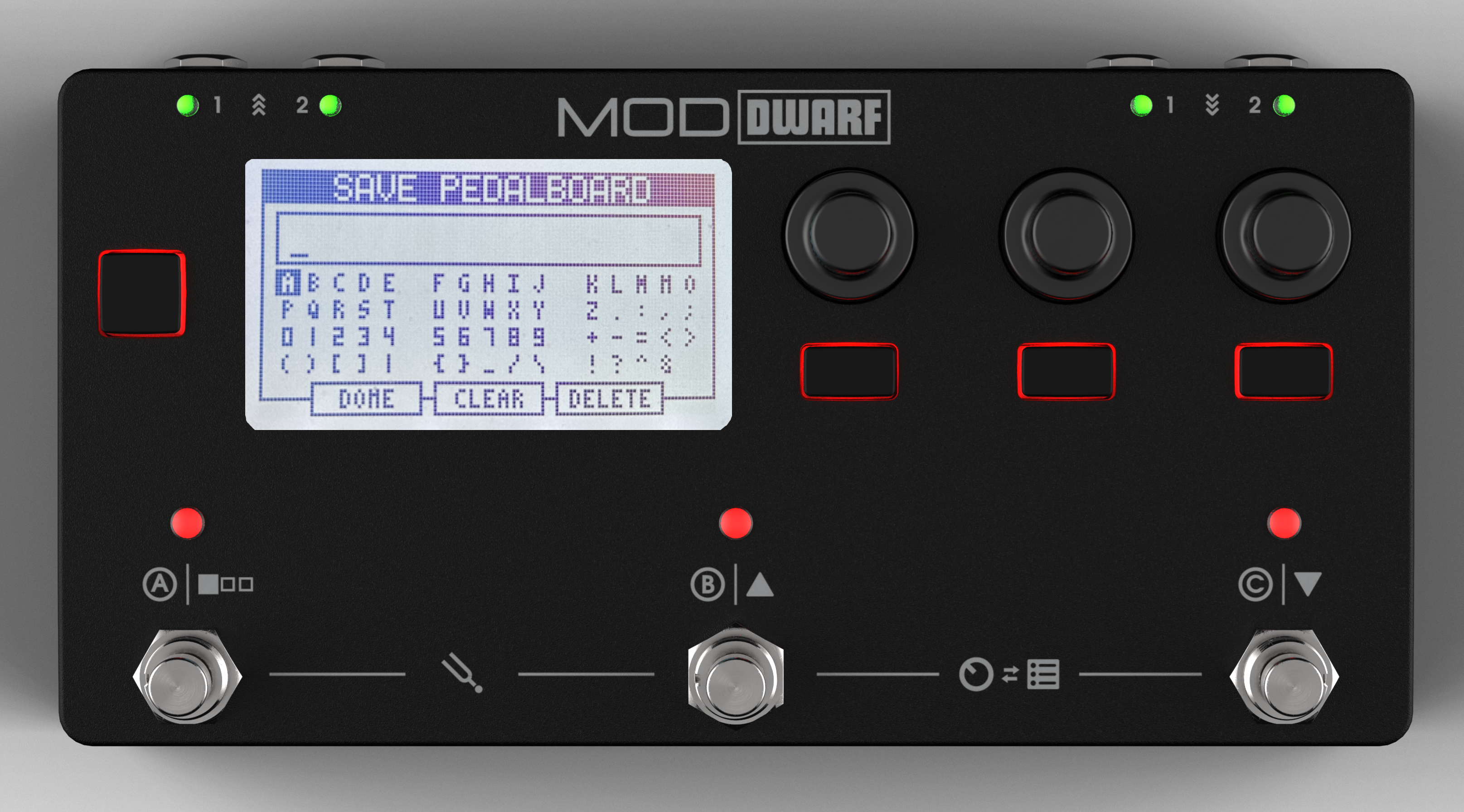 4. To remove: highlight a snapshot, press the right-most button ("Remove"), confirm.
5. To reorder: click and hold the left-most encoder on a snapshot, then turn to move it up or down the list.
As with the Web UI, re-save the pedalboard after any of these changes so they stick.
Next: Playing Live