Organizing Banks
Banks group pedalboards together for quick switching while playing, without the Web UI open. The Dwarf ships with a few factory banks that aren't user-editable; you're encouraged to build your own on top of them.
From the Web UI
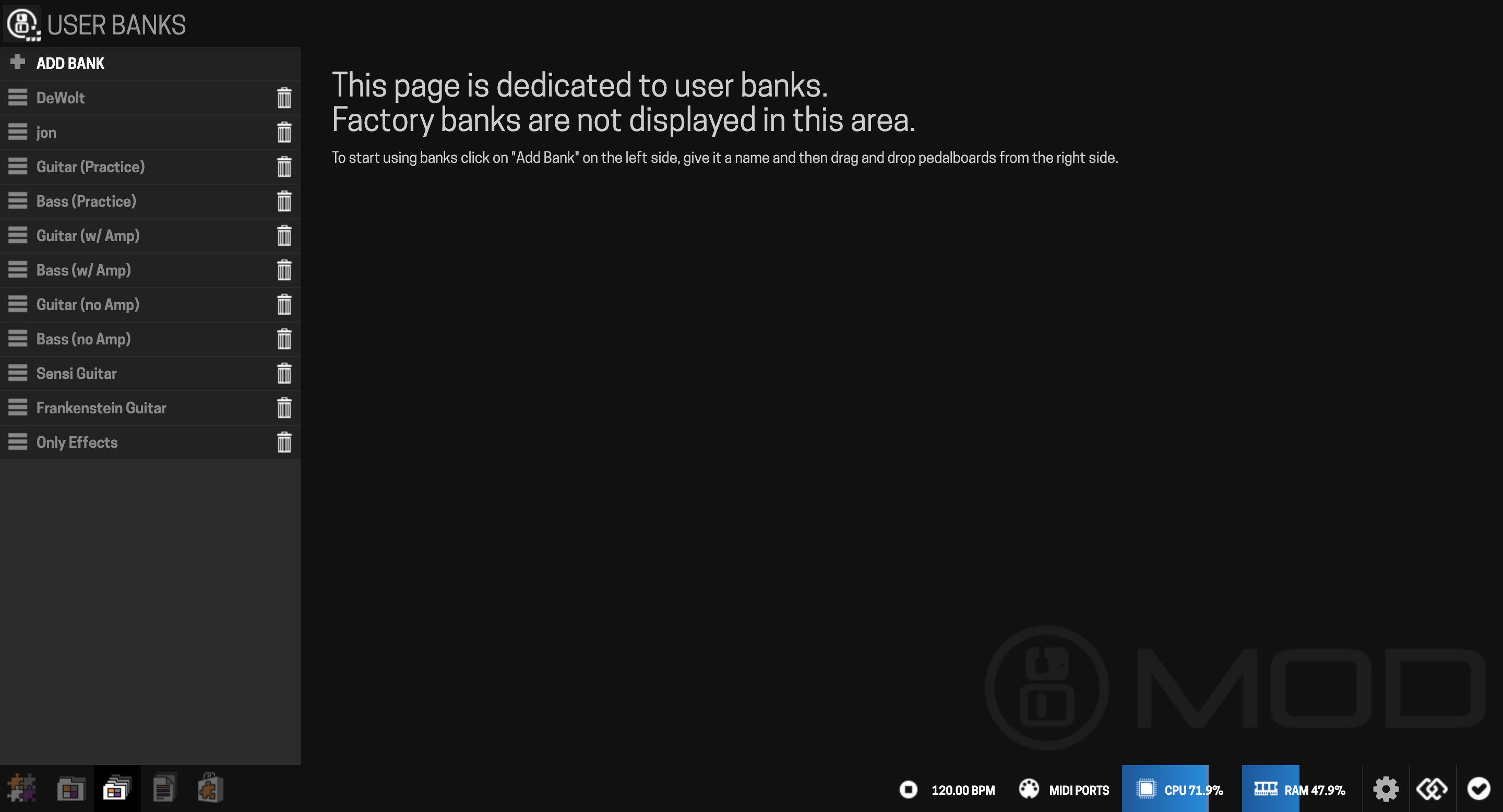
Open the Banks view from the mode selector.
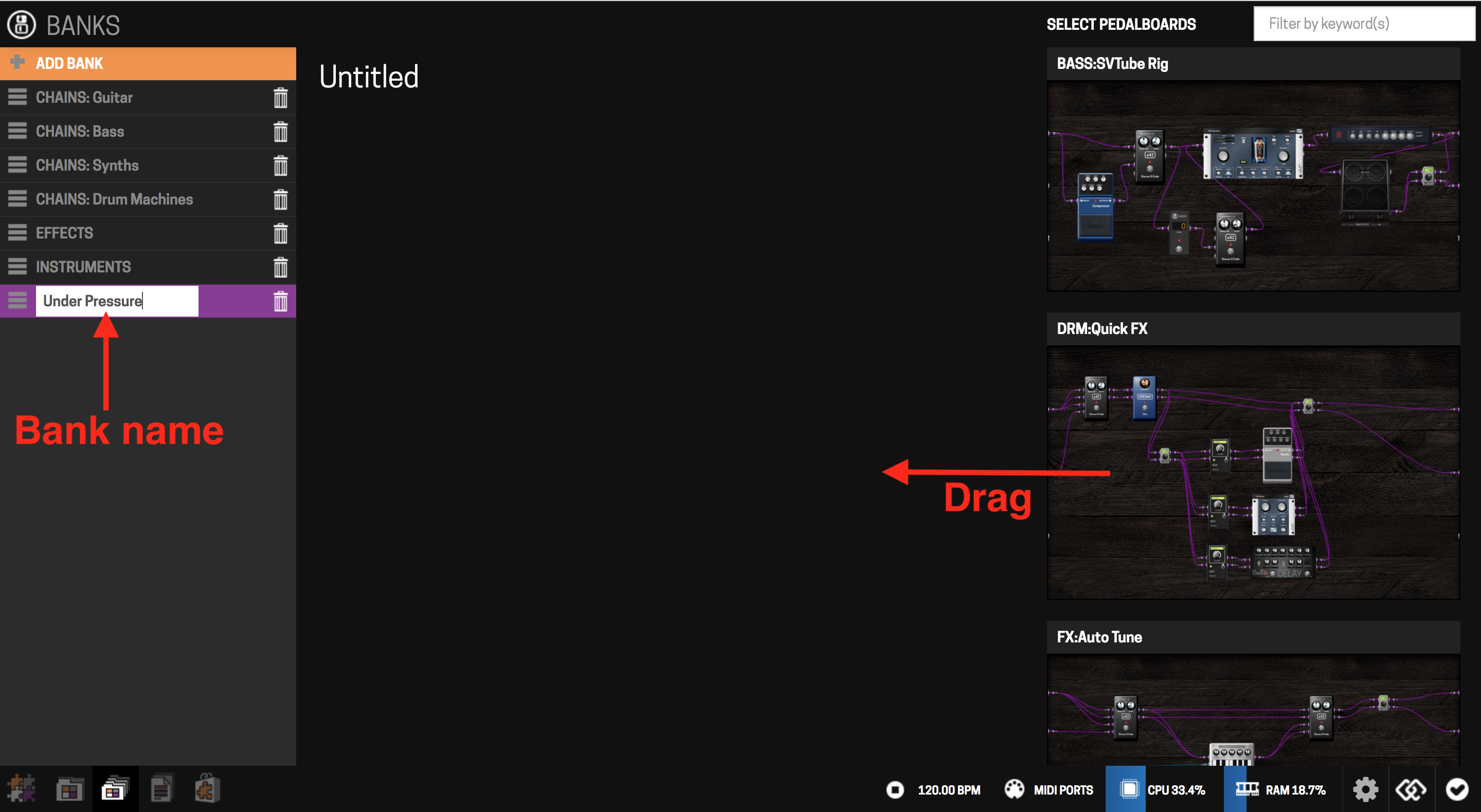
- Create a bank: click "Add bank," name it. It starts empty.
- Populate it: drag pedalboards from the right-hand panel into the bank. You can add the same pedalboard more than once — handy if you're switching pedalboards via MIDI Program Change messages.

- Delete a bank: click the trash icon next to its name in the bank list, confirm. Deleting a bank does not delete the pedalboards inside it. Factory banks aren't listed here and can't be deleted.
From the device
You can also create banks, and add or remove pedalboards, directly on the Dwarf — see Navigation Mode for the full walkthrough.
Next: Managing Snapshots