Powering On & First Sound
With power and audio connected, switch the Dwarf on. It boots into Control Mode, its default mode — the display shows the name of the currently loaded pedalboard or snapshot at the top, with the parameters mapped to the three encoders below it.
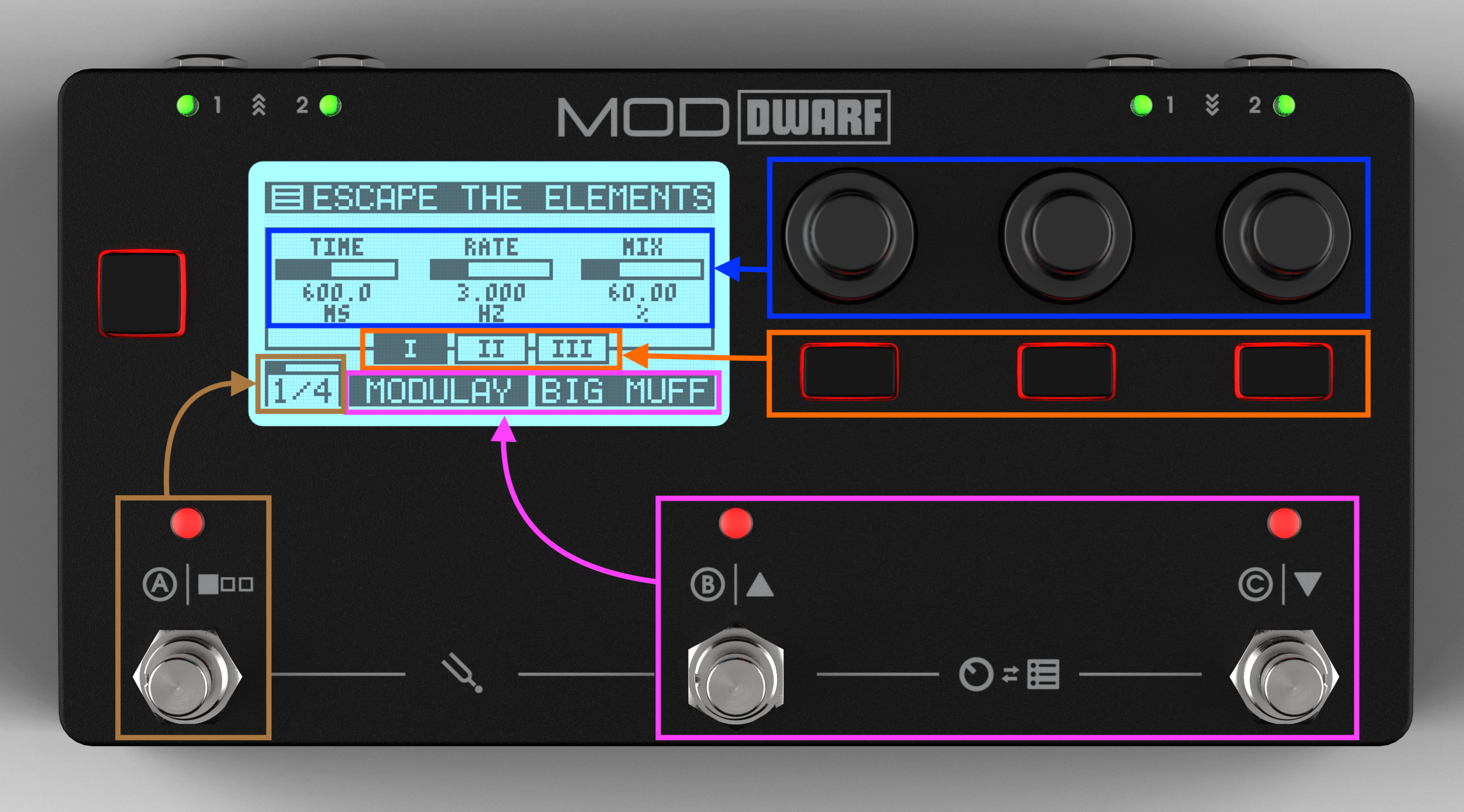
A new Dwarf ships with factory pedalboards already installed, organized into factory Banks. The "Verb: Quick Room" pedalboard loads automatically on boot, so you should hear sound as soon as you play your connected instrument — no Web UI required. This is a reverb pedalboard, which turns your MOD Dwarf into a high-end reverb pedal - yet you can get much more from it than reverb effects.
The first boot on your MOD Dwarf should take about 25 seconds from the moment that you power it on until it is ready for you to play over it.
To try a different factory pedalboard without touching the Web UI:
- Press footswitches B and C together to enter Navigation Mode.
- Use the left-most encoder, or footswitches B/C, to scroll the list and load a different pedalboard.
See Playing Live for the full rundown of Control Mode, Navigation Mode, and Tool Mode, or jump to Your First Pedalboard to start building your own.