Managing Snapshots
The basics of saving and loading snapshots are covered in Snapshots. This page covers the housekeeping: reordering.
Reordering snapshots on the device
Snapshot order matters if you're stepping through them with a footswitch or MIDI — the Web UI can't reorder the list, but the Dwarf can:
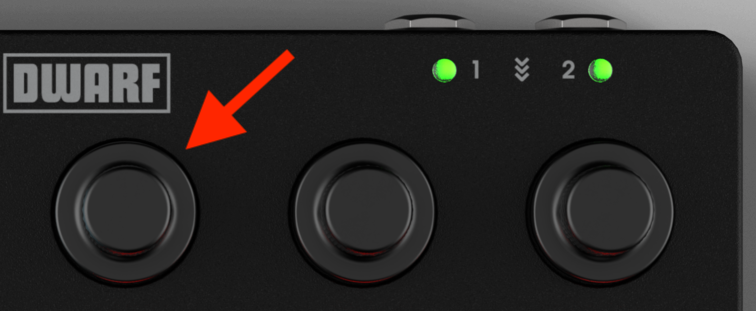
- Enter Navigation Mode (footswitches B + C).
- Switch to the snapshots list (footswitch A) if you're not already there.
- Scroll the left-most encoder to the snapshot you want to move.
- Click and hold the encoder, then turn it to move the snapshot up or down the list.
As with any snapshot change, re-save the pedalboard afterward so the new order sticks after a power cycle.
Next: Drag & Replace Plugin