Menu Items
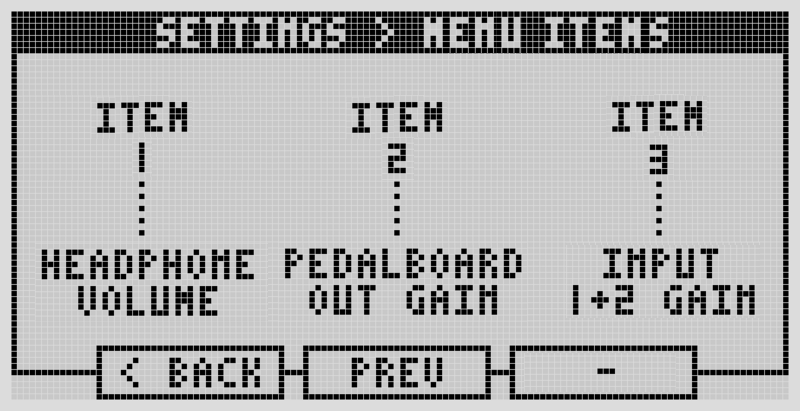
The Menu button opens a screen with three quick-access items — pick what those three are here. Turn the left-most encoder to set Item 1, the center encoder for Item 2, the right-most for Item 3.
Available options for each slot:
- Input 1 and 2 Gain (together), Input 1 Gain, Input 2 Gain
- Output 1 and 2 Gain (together), Output 1 Gain, Output 2 Gain
- Headphone Volume
- Clock Source, Send Clock state (on/off)
- Pedalboard Program Change Channel, Snapshot Program Change Channel
- Display Brightness
- Beats Per Minute, Beats Per Bar
Related controller behavior settings
A few other behaviors worth knowing about, found under Controller Behavior in Settings:
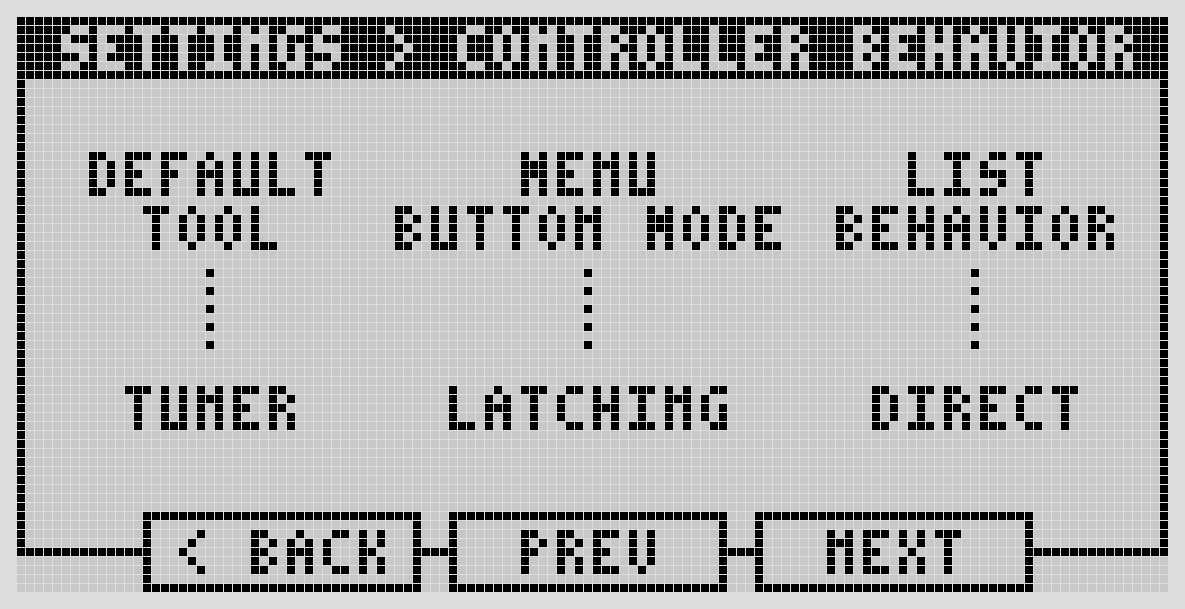
- Default Tool — which tool (Tuner or Tempo) opens first when you enter Tool Mode.
- Menu Button Mode — Latching (press once to open, again to close) or Momentary (hold to keep open).
- List Behavior — Direct (scrolling selects immediately) or Click (scroll then press to select).
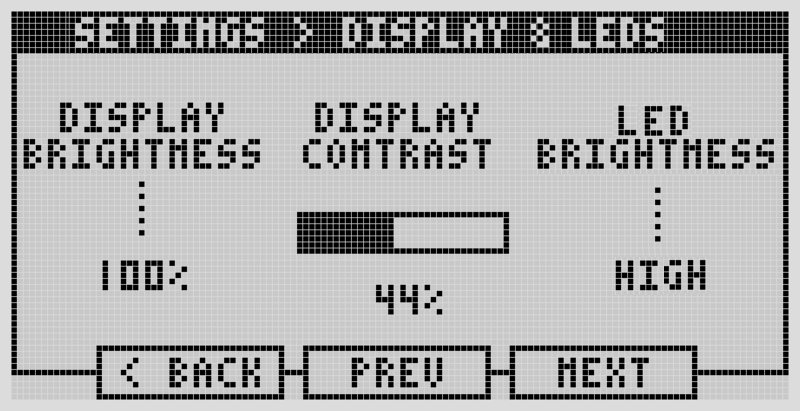
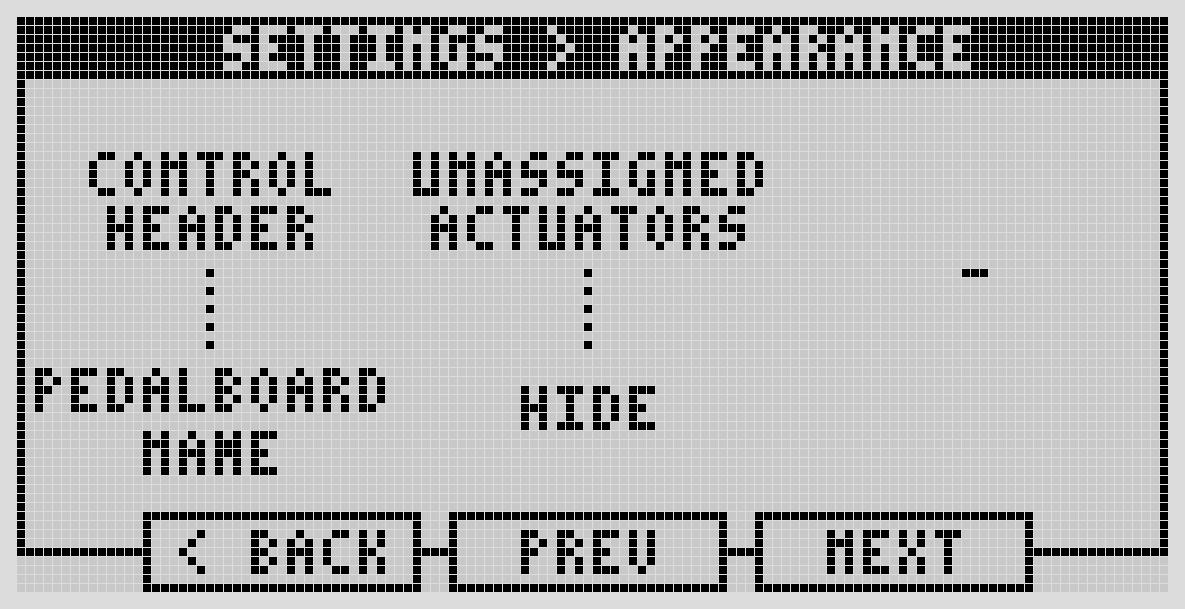
And under Display & LEDs / Appearance: display brightness and contrast, LED brightness, and whether the header shows the pedalboard name or the snapshot name.
Next: User Profiles